-

HX426C13SB2K2/16 - Kingston 16GB DDR4-2666MHz CL13 288-Pin DIMM Memory
In stock
$480.99 (Inc. Sales Tax)$480.99 (Ex. Sales Tax) -

HX426C15FB/8 - Kingston Technology 8GB DDR4-2666MHz CL13 288-Pin DIMM
In stock
$230.99 (Inc. Sales Tax)$230.99 (Ex. Sales Tax) -
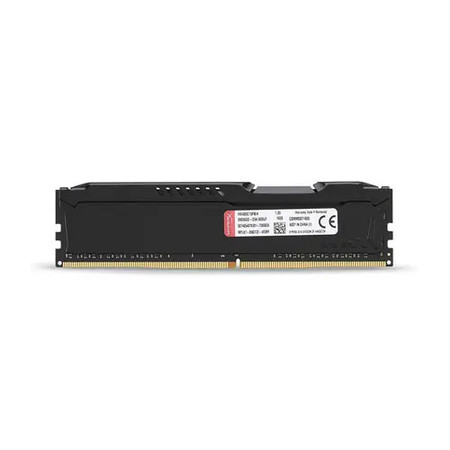
HX426C15FB/4 - Kingston Technology 4GB DDR4-2666MHz CL13 288-Pin DIMM
In stock
$193.99 (Inc. Sales Tax)$193.99 (Ex. Sales Tax) -
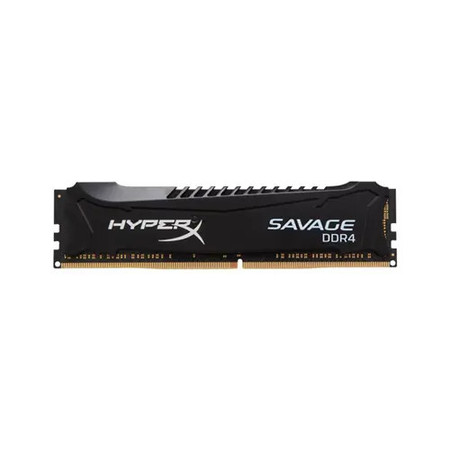
HX426C13SBK2/16 - Kingston Technology 16GB DDR4-2666MHz CL13 288-Pin Memory Kit
In stock
$465.99 (Inc. Sales Tax)$465.99 (Ex. Sales Tax) -

HX426C13SBK4/32 - Kingston Technology 32GB Kit 4x8GB DDR4-2666MHz CL13 Memory
In stock
$932.99 (Inc. Sales Tax)$932.99 (Ex. Sales Tax) -

HX426C13SB/8 - Kingston Technology 8GB DDR4-2666MHz CL13 288-Pin DIMM Memory
In stock
$230.99 (Inc. Sales Tax)$230.99 (Ex. Sales Tax) -

HX426C15FBK2/8 - Kingston Technology 8GB DDR4-2666MHz CL13 288-Pin Memory Kit
In stock
$281.99 (Inc. Sales Tax)$281.99 (Ex. Sales Tax) -
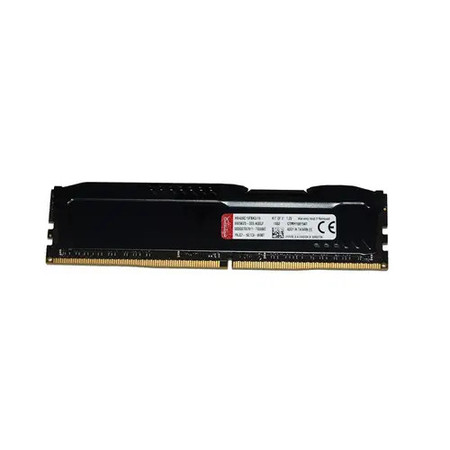
HX426C15FBK2/16 - Kingston Technology 16GB DDR4-2666MHz CL13 288-Pin DIMM Memory
In stock
$899.99 (Inc. Sales Tax)$899.99 (Ex. Sales Tax) -

HX428C14PB2K4/16 - Kingston Technology 16GB DDR4-2800MHz CL14 288-Pin Memory Kit
In stock
$427.99 (Inc. Sales Tax)$427.99 (Ex. Sales Tax) -
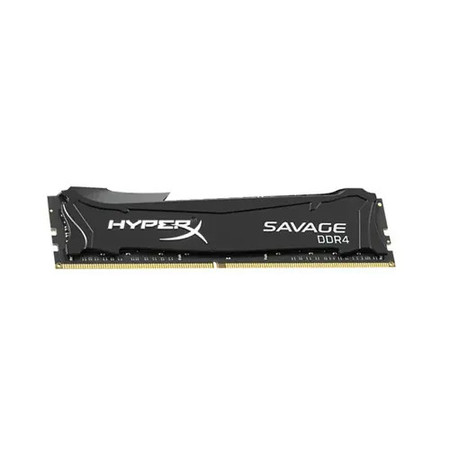
HX426C15SBK4/64 - Kingston Technology 64GB Kit 4x16GB DDR4-2666MHz CL13 Memory
In stock
$1,597.99 (Inc. Sales Tax)$1,597.99 (Ex. Sales Tax) -

HX426C15SBK2/32 - Kingston Technology 32GB DDR4-2666MHz CL13 288-Pin Memory Kit
In stock
$868.99 (Inc. Sales Tax)$868.99 (Ex. Sales Tax) -
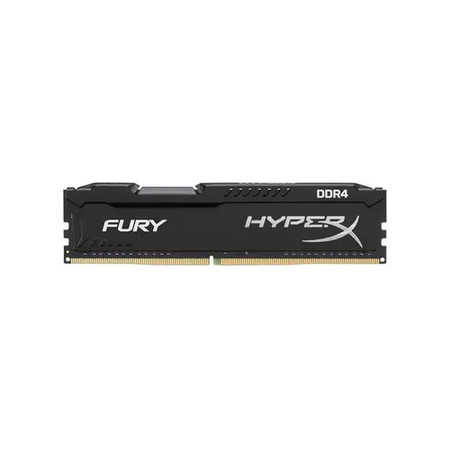
HX426C15FBK4/16 - Kingston Technology 16GB Kit 4x4GB DDR4-2666MHz CL13 Memory
In stock
$490.99 (Inc. Sales Tax)$490.99 (Ex. Sales Tax) -
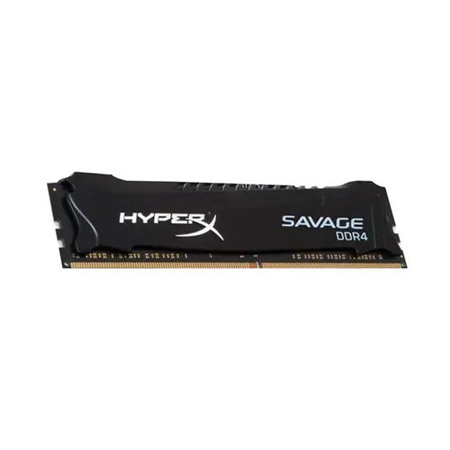
HX428C14SB2K2/16 - Kingston Technology 16GB DDR4-2800MHz CL14 288-Pin Memory Kit
In stock
$515.99 (Inc. Sales Tax)$515.99 (Ex. Sales Tax) -

HX428C14SB2/8 - Kingston Technology 8GB DDR4-2800MHz CL14 288-Pin DIMM
In stock
$294.99 (Inc. Sales Tax)$294.99 (Ex. Sales Tax) -

HX428C14SB2/4 - Kingston Technology 4GB DDR4-2800MHz CL14 288-Pin DIMM
In stock
$292.99 (Inc. Sales Tax)$292.99 (Ex. Sales Tax) -

HX428C14PBK8/64 - Kingston Technology 64GB DDR4-2800MHz CL14 288-Pin Memory Kit
In stock
$1,296.99 (Inc. Sales Tax)$1,296.99 (Ex. Sales Tax) -

HX428C14SB2K8/64 - Kingston Technology 64GB DDR4-2800MHz CL14 288-Pin Memory Kit
In stock
$1,770.99 (Inc. Sales Tax)$1,770.99 (Ex. Sales Tax) -

HX428C14SB2K4/32 - Kingston Technology 32GB DDR4-2800MHz CL14 288-Pin Memory Kit
In stock
$946.99 (Inc. Sales Tax)$946.99 (Ex. Sales Tax) -

HX428C14SB2K4/16 - Kingston Technology 16GB DDR4-2800MHz CL14 288-Pin Memory Kit
In stock
$546.99 (Inc. Sales Tax)$546.99 (Ex. Sales Tax) -

HX428C14SB2K2/8 - Kingston Technology 8GB DDR4-2800MHz CL14 288-Pin Memory Kit
In stock
$306.99 (Inc. Sales Tax)$306.99 (Ex. Sales Tax) -

HX428C14SBK2/8 - Kingston Technology 8GB DDR4-2800MHz CL14 288-Pin Memory Kit
In stock
$255.99 (Inc. Sales Tax)$255.99 (Ex. Sales Tax) -

HX428C14SBK2/16 - Kingston Technology 16GB DDR4-2800MHz CL14 288-Pin Memory Kit
In stock
$478.99 (Inc. Sales Tax)$478.99 (Ex. Sales Tax) -

HX428C14SB/8 - Kingston Technology 8GB DDR4-2800MHz CL14 288-Pin DIMM
In stock
$293.99 (Inc. Sales Tax)$293.99 (Ex. Sales Tax) -

HX428C14SB/4 - Kingston Technology 4GB DDR4-2800MHz CL14 288-Pin DIMM
In stock
$160.99 (Inc. Sales Tax)$160.99 (Ex. Sales Tax)
Desktop Memory
Corporate OptiPlex towers, Precision CAD workstations, and HP Z-Series desktops require stable JEDEC-tuned UDIMMs rather than overvolted gaming kits. Nextronix Systems supplies genuine desktop memory and DDR4/DDR5 desktop RAM - including Dell AB883074 16GB DDR5-4800 and HP 4M9Y2AA 32GB DDR5-4800 - alongside Crucial and Kingston commercial modules.
Buying guide
Matching OEM Desktop Memory to Corporate BIOS Profiles
Business motherboards typically lock out XMP overclocking profiles and strictly enforce 1.1V (DDR5) or 1.2V (DDR4) JEDEC timings. Sourcing verified OEM part numbers ensures seamless dual-channel boot stability across multi-user office rollouts without manual BIOS tuning.
Should Workstations Use One 32GB UDIMM or Two Matched 16GB Sticks?
Installing two matched 16GB modules enables dual-channel bandwidth, noticeably accelerating CAD rendering, compilation, and large spreadsheet recalculations. Choose single 32GB sticks (such as HP 4M9Y2AA) when scaling a 4-slot board toward 128GB total capacity.
ECC UDIMM vs. Non-ECC UDIMM for Entry Workstations
Standard office desktops use Non-ECC UDIMMs, whereas Xeon-W and Ryzen/EPYC entry workstations often support ECC Unbuffered UDIMMs for single-bit error protection. Always confirm CPU and chipset ECC support before ordering mixed upgrades.
Frequently asked questions
What is the difference between ECC UDIMM and Non-ECC UDIMM desktop RAM?
Non-ECC UDIMMs are used in standard consumer and corporate desktops (OptiPlex, EliteDesk). ECC Unbuffered UDIMMs include error-correcting parity chips required by entry-level Xeon/EPYC workstations and certain NAS boards. Check your CPU and motherboard manual before ordering.
Should I install one 32GB stick or two 16GB sticks of desktop memory?
Installing two matched 16GB modules activates dual-channel memory mode, doubling theoretical memory bandwidth over a single 32GB stick. Choose single 32GB UDIMMs (like HP 4M9Y2AA) when you plan to populate all four slots up to 128GB.
Will DDR5-5600 desktop RAM work in a DDR5-4800 workstation?
In most JEDEC-compliant systems, faster DDR5-5600 UDIMMs automatically clock down to 4800MT/s, though strict OEM business BIOSes occasionally prefer exact-rated 4800MT/s modules like AB883074.
How do I check how much desktop RAM my motherboard supports?
Check your system datasheet or run wmic memphysical get MaxCapacity in Windows Command Prompt to view total board ceiling, and verify how many DIMM slots remain open before ordering.
Specialist support
Not sure which part you need?
Send the model or part number and a hardware specialist replies within one business day.