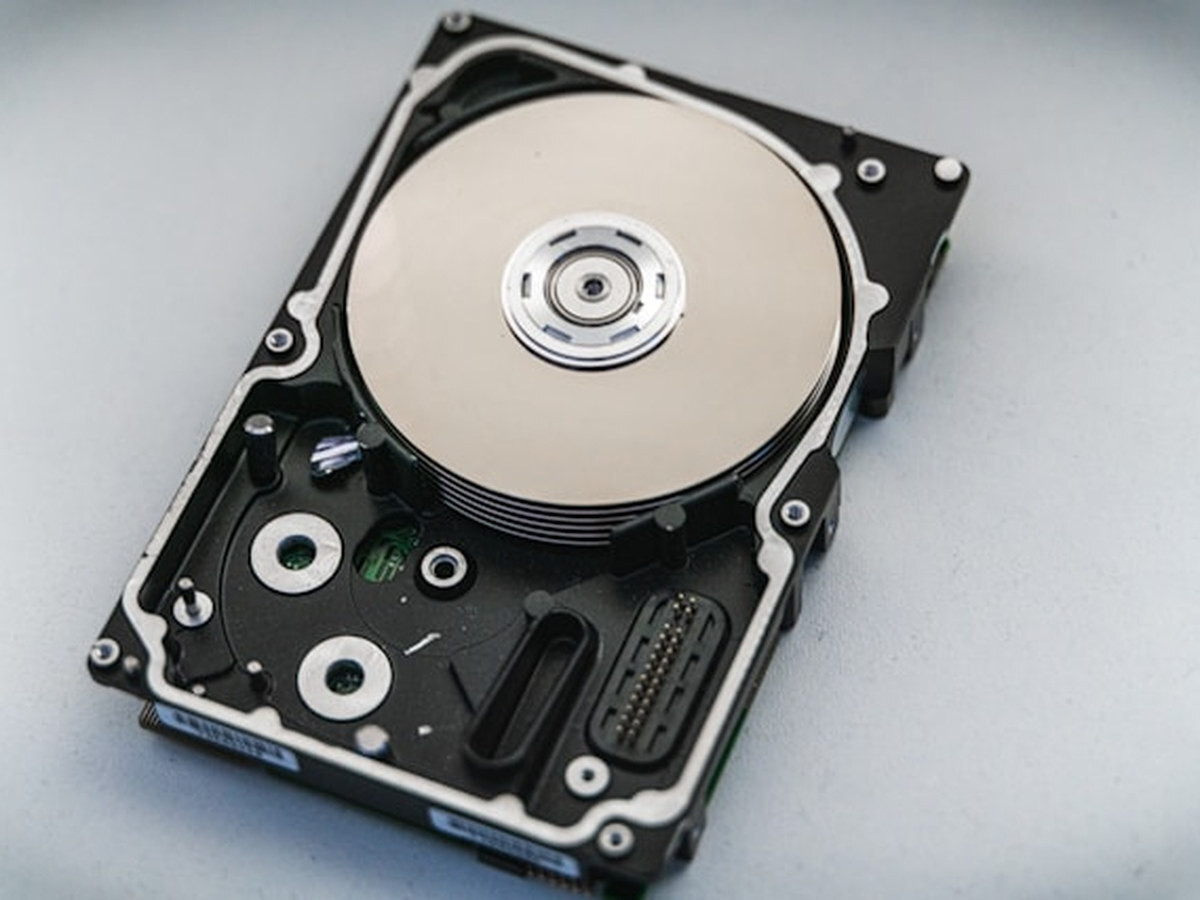
-

MTFDLBQ25T6THB-1BK1DABYYR - MICRON 25.6TB PCIe Gen5 x4 E3.S SSD
In stock
$11,269.99 (Inc. Sales Tax)$11,269.99 (Ex. Sales Tax) -

MTFDKCC12T8TGJ-1BC1ZABYYR - MICRON 12.8TB NVMe U.3 15mm SSD
In stock
$10,173.99 (Inc. Sales Tax)$10,173.99 (Ex. Sales Tax) -

OWCTB3TBL8X16 - OWC 16TB Thunderbolt 3 External SSD
In stock
$9,968.99 (Inc. Sales Tax)$9,968.99 (Ex. Sales Tax) -
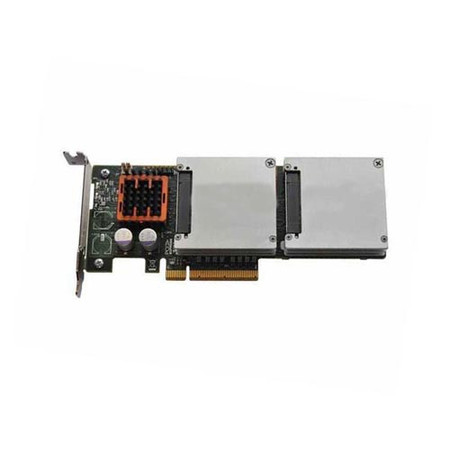
LSI00320 - LSI Logic 1.6TB PCIe 2.0 x8 Enterprise SSD
In stock
$9,614.99 (Inc. Sales Tax)$9,614.99 (Ex. Sales Tax) -

MTFDKCC15T3TGH-1BC1ZABYYR - MICRON 15.36TB NVMe U.3 15mm SSD
In stock
$9,511.99 (Inc. Sales Tax)$9,511.99 (Ex. Sales Tax) -
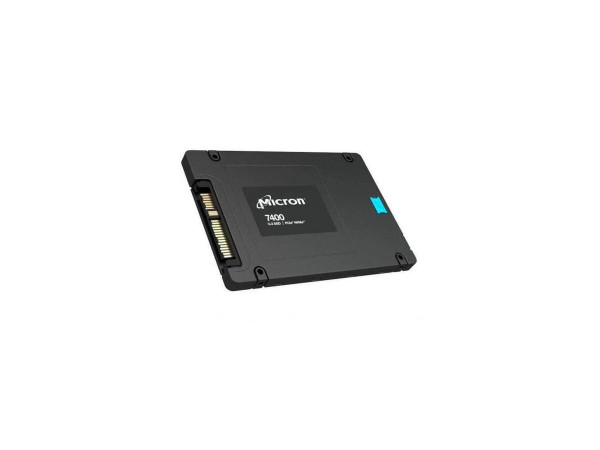
MTFDKCC15T3TFR-1BC1ZABYYR - MICRON 15.36TB U.3 NVMe SSD
In stock
$8,683.99 (Inc. Sales Tax)$8,683.99 (Ex. Sales Tax) -
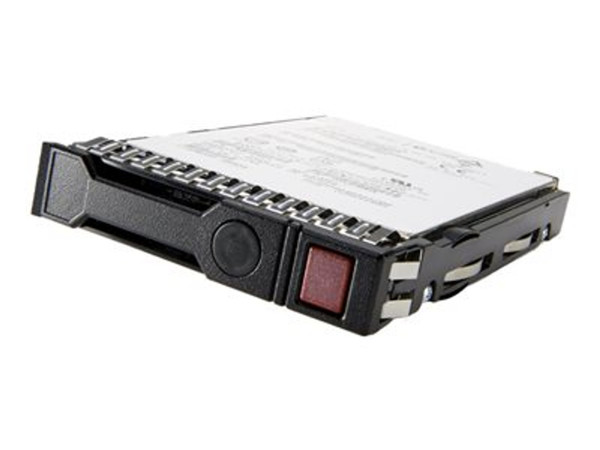
P40500-B21 - HPE 3.84TB SSD
In stock
$8,136.99 (Inc. Sales Tax)$8,136.99 (Ex. Sales Tax) -

01GR872 - IBM 3.84TB SAS 12Gb/s 3.5" Hot-Swap SSD
In stock
$7,851.99 (Inc. Sales Tax)$7,851.99 (Ex. Sales Tax) -

0658P2 - Dell 3.84TB SAS 12Gb/s 2.5" Hot-Swap SSD
In stock
$7,776.99 (Inc. Sales Tax)$7,776.99 (Ex. Sales Tax) -

MTFDKCC15T3TGP-1BK1DABYYR - MICRON 15.36TB U.3 TCG Opal SSD
In stock
$7,447.99 (Inc. Sales Tax)$7,447.99 (Ex. Sales Tax) -

XTTR5 - Dell 3.2TB NVMe PCIe 3.0 x4 HHHL SSD
In stock
$6,675.99 (Inc. Sales Tax)$6,675.99 (Ex. Sales Tax) -

D3SP-L4X1800-10K - EMC 1.8GB 10K RPM SAS 12Gb/s 2.5" HDD
In stock
$6,657.99 (Inc. Sales Tax)$6,657.99 (Ex. Sales Tax) -
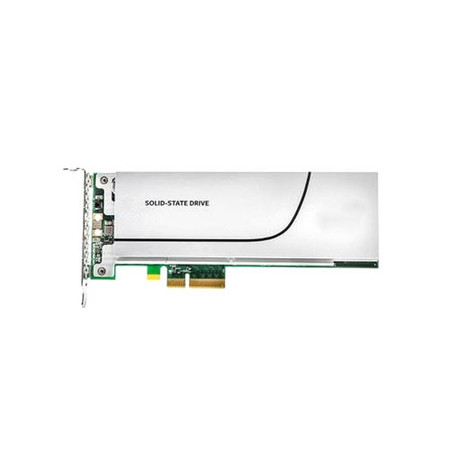
00YA815 - IBM 2TB NVMe PCIe 3.0 x4 HHHL SSD
In stock
$6,498.99 (Inc. Sales Tax)$6,498.99 (Ex. Sales Tax) -

MTFDKCC6T4TGJ-1BC1ZABYYR - MICRON 6.4TB NVMe U.3 15mm SSD
In stock
$6,479.99 (Inc. Sales Tax)$6,479.99 (Ex. Sales Tax) -

MZWLR30THBLA-00A07 - Samsung 30.72TB NVMe PCIe 4.0 x4 Enterprise SSD
In stock
$6,408.99 (Inc. Sales Tax)$6,408.99 (Ex. Sales Tax) -

00FC762 - Lenovo 1.6TB NVMe PCIe 3.0 U.2 2.5" SSD
In stock
$6,404.99 (Inc. Sales Tax)$6,404.99 (Ex. Sales Tax) -

WUS3BA176C7P3E3 - Western Digital 7.68TB NVMe U.2 2.5" PCIe 3.1 SSD
In stock
$6,362.99 (Inc. Sales Tax)$6,362.99 (Ex. Sales Tax) -
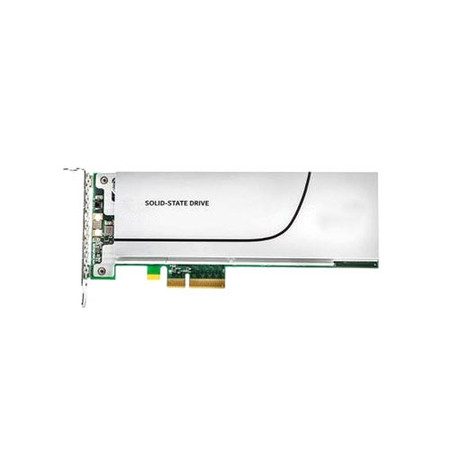
00YA812 - IBM 1.6TB NVMe PCIe 3.0 x4 HHHL SSD
In stock
$6,286.99 (Inc. Sales Tax)$6,286.99 (Ex. Sales Tax) -

00YA827 - Lenovo 2TB NVMe 3.0 x4 2.5" MLC SSD
In stock
$6,108.99 (Inc. Sales Tax)$6,108.99 (Ex. Sales Tax) -

00FN425 - IBM 800GB SAS 12Gb/s 2.5" Hot-Swap SSD
In stock
$5,975.99 (Inc. Sales Tax)$5,975.99 (Ex. Sales Tax) -

00AJ492 - IBM 800GB MLC SATA 6Gbps 3.5" Hot Swap SSD
In stock
$5,957.99 (Inc. Sales Tax)$5,957.99 (Ex. Sales Tax) -
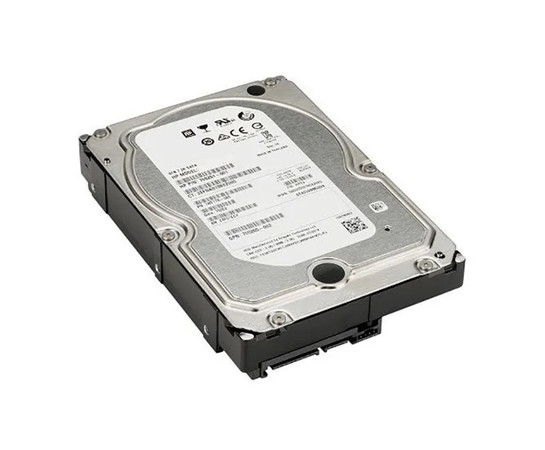
QR566A - HPE 4 x 2TB 7200RPM SAS 6Gb 3.5" HDD
In stock
$5,922.99 (Inc. Sales Tax)$5,922.99 (Ex. Sales Tax) -

08X8FD - Dell 1.6TB SAS 12Gb/s 2.5" Hot-Swap SSD
In stock
$5,902.99 (Inc. Sales Tax)$5,902.99 (Ex. Sales Tax) -

S26361-F5320-E800 - Fujitsu 800GB SAS 12Gb/s 2.5" Hot-Plug SSD
In stock
$5,841.99 (Inc. Sales Tax)$5,841.99 (Ex. Sales Tax)
Buying guide
How to Choose the Right Data Storage Devices for Servers and PCs
Different infrastructure tiers demand distinct media profiles. High-IOPS virtualization hosts, SQL databases, and boot volumes benefit from NVMe or enterprise SATA SSDs with power-loss protection, whereas bulk archive pools, NVR retention servers, and secondary workstation bays rely on high-capacity mechanical drives for optimal cost per terabyte.
What Is the Difference Between Enterprise SAS and Client SATA Storage Drives?
Client SATA PC storage devices operate over single-channel 6Gb/s links suited for desktops, laptops, and entry-level enclosures. By contrast, 12Gb/s SAS enterprise drives deliver full-duplex dual-port signaling, deeper command queuing, and rotational vibration tolerance designed for continuous 24/7 multi-bay server arrays.
Frequently asked questions
How do I choose between SSDs and mechanical hard drives for PC and server storage?
Choose solid-state drives (NVMe M.2, U.2, or 2.5-inch SATA SSDs) for operating systems, databases, virtualization hosts, and high-IOPS workloads where latency matters. Use 3.5-inch mechanical storage drives (enterprise SAS or SATA HDDs) for high-capacity archival storage, NVR video retention, and bulk backup pools where cost per terabyte is the priority.
What is the difference between SATA and SAS storage drives?
SATA drives operate over single-channel 6Gb/s links suited for desktops, laptops, and entry NAS units. SAS (Serial Attached SCSI) enterprise storage drives run dual-port 12Gb/s full-duplex channels with deeper command queuing, higher vibration tolerance, and 24/7 duty cycles engineered for multi-bay SANs and enterprise servers.
Specialist support
Not sure which part you need?
Send the model or part number and a hardware specialist replies within one business day.