-
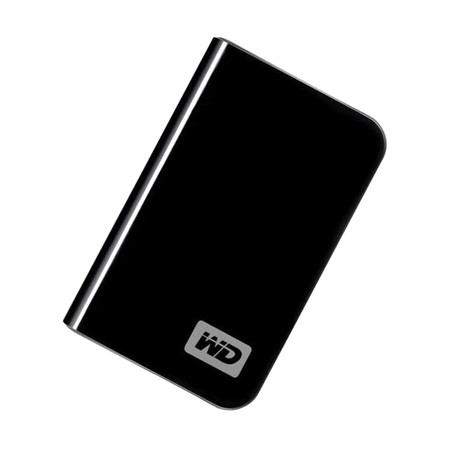
WDME5000TN - Western Digital 500GB 5400RPM USB 2.0 2.5" External HDD
In stock
$149.99 (Inc. Sales Tax)$149.99 (Ex. Sales Tax) -

WDH2U20000N - Western Digital 2TB 7200RPM USB 2.0 3.5" External HDD
In stock
$427.99 (Inc. Sales Tax)$427.99 (Ex. Sales Tax) -
WDH1U6400N - Western Digital 640GB 7200RPM USB 2.0 3.5" External HDD
In stock
$179.99 (Inc. Sales Tax)$179.99 (Ex. Sales Tax) -

WDG1U5000N - Western Digital 500GB 7200RPM USB 2.0 External HDD
In stock
$273.99 (Inc. Sales Tax)$273.99 (Ex. Sales Tax) -

WDBZFP0010BBK - Western Digital 1TB 5400RPM USB 3.0 External HDD
In stock
$147.99 (Inc. Sales Tax)$147.99 (Ex. Sales Tax) -
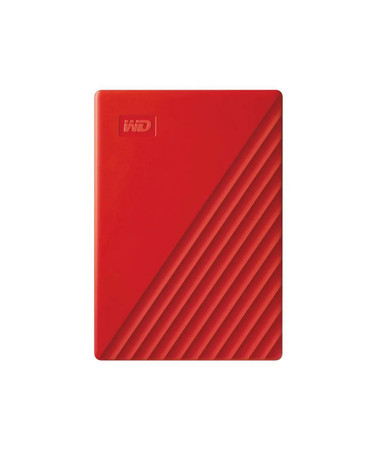
WDBYVG0020BRD-WESN - WESTERN DIGITAL 2TB USB 3.0 External HDD
In stock
$164.99 (Inc. Sales Tax)$164.99 (Ex. Sales Tax) -

WDBYVG0020BBL-WESN - Western Digital 2TB USB 3.0 2.5" External HDD
In stock
$267.99 (Inc. Sales Tax)$267.99 (Ex. Sales Tax) -

WDBYNN0010BBK-WESN - Western Digital 1TB USB 3.0 External Hard Drive
In stock
$77.99 (Inc. Sales Tax)$77.99 (Ex. Sales Tax) -

WDBYCC0020HBK - Western Digital 2TB USB 3.0 External HDD
In stock
$284.99 (Inc. Sales Tax)$284.99 (Ex. Sales Tax) -

WDBWLG0180HBKEESN - WD 18TB USB 3.2 External HDD
In stock
$646.99 (Inc. Sales Tax)$646.99 (Ex. Sales Tax) -

WDBWLG0180HBK-EESN - Western Digital 18TB USB 3.2 Gen 1 External HDD
In stock
$646.99 (Inc. Sales Tax)$646.99 (Ex. Sales Tax) -

WDBWLG0140HBK-NESN - Western Digital 14TB USB 3.0 2.5" External HDD
In stock
$477.99 (Inc. Sales Tax)$477.99 (Ex. Sales Tax) -

WDBWLG0120HBK-NESN - Western Digital 12TB USB 3.0 2.5" External HDD
In stock
$388.99 (Inc. Sales Tax)$388.99 (Ex. Sales Tax) -

WDBUZG0010BBK - Western Digital 1TB USB 3.0 2.5" External HDD
In stock
$147.99 (Inc. Sales Tax)$147.99 (Ex. Sales Tax) -

WDBU6Y0050BBK-EA - Western Digital 5TB USB 3.0 2.5" External HDD
In stock
$167.99 (Inc. Sales Tax)$167.99 (Ex. Sales Tax) -

WDBTLG0010BGY-WESN - Western Digital 1TB USB 3.0 2.5" External HDD
In stock
$219.99 (Inc. Sales Tax)$219.99 (Ex. Sales Tax) -
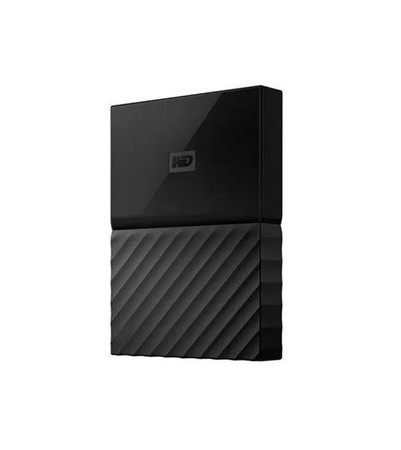
WDBS4B0020BBK-WESN - Western Digital 2TB USB 3.0 2.5" External HDD
In stock
$320.99 (Inc. Sales Tax)$320.99 (Ex. Sales Tax) -
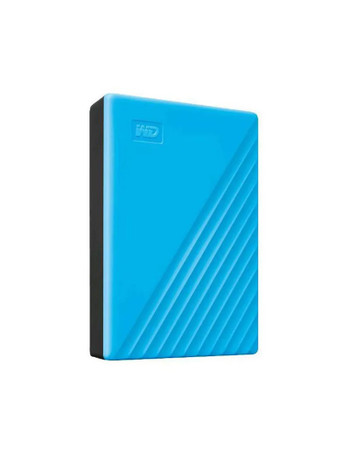
WDBPKJ0040BBL-WESN - Western Digital 4TB USB 3.0 2.5" External HDD
In stock
$224.99 (Inc. Sales Tax)$224.99 (Ex. Sales Tax) -

WDBP6A0040BBK-WESE - Western Digital 4TB USB 3.0 2.5" External HDD
In stock
$334.99 (Inc. Sales Tax)$334.99 (Ex. Sales Tax) -

WDBMWV0020BBK - Western Digital 2TB USB 3.0 2.5" External HDD
In stock
$177.99 (Inc. Sales Tax)$177.99 (Ex. Sales Tax) -

WDBKYJ0020BSL-WESN - WESTERN DIGITAL 2TB USB 3.0 Type-C External HDD
In stock
$140.99 (Inc. Sales Tax)$140.99 (Ex. Sales Tax) -

WDBKVX0020PSLWESN - Western Digital 2TB USB 3.1 External SSD
In stock
$439.99 (Inc. Sales Tax)$439.99 (Ex. Sales Tax) -

WDBGCH5000ASL - Western Digital 500GB USB 3.0 2.5" External HDD
In stock
$141.99 (Inc. Sales Tax)$141.99 (Ex. Sales Tax) -
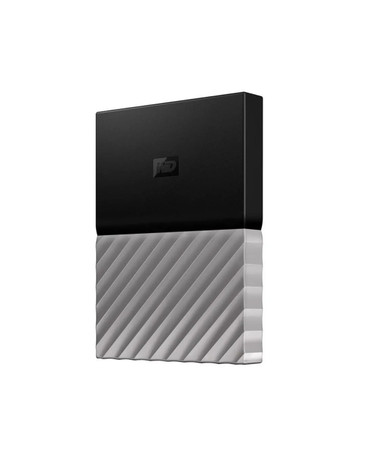
WDBFKT0030BGY-WESN - Western Digital 3TB USB 3.0 2.5" External HDD
In stock
$334.99 (Inc. Sales Tax)$334.99 (Ex. Sales Tax)
External Hard Drives
Buying guidePortable SSDs vs. Desktop External Hard Disks: Which Should You Deploy?
Choosing between a compact USB flash-based enclosure and a powered 3.5-inch external hard disk comes down to transfer speed versus capacity economics. Bus-powered portable SSDs like the Kingston XS2000 4TB sustain up to 2,000 MB/s with zero moving parts, while desktop enclosures such as the WD_BLACK D10 8TB deliver massive multi-terabyte capacity at a lower cost per gigabyte. To unlock full 1,000–2,000 MB/s speeds on modern portable SSDs, connect directly to a USB 3.2 Gen 2 (10Gbps) or Gen 2x2 (20Gbps) Type-C host port using the factory-rated cable.
Avoiding Thermal Throttling During Multi-Terabyte Backups
Budget consumer desktop drives frequently rely on 5400 RPM SMR platters inside fanless plastic shells that drop write speeds sharply during multi-hour system images. Active-cooled 7200 RPM units maintain steady transfer rates and protect long-term drive health across repeated corporate and studio backup cycles.
Frequently asked questions
Should I choose a portable external SSD or a desktop external hard disk?
Select a portable external SSD (such as the Kingston XS2000 4TB) when you need shock resistance, pocket portability, and 1,000–2,000 MB/s transfer speeds. Choose a 3.5-inch powered external hard disk (like the WD_BLACK D10 8TB) when you want maximum capacity per dollar for scheduled workstation or server backups.
What USB standard do modern PC external hard drives require for full speed?
Modern PC external hard drives typically use USB 3.0 (USB 3.2 Gen 1) or higher to deliver optimal data transfer speeds. USB 3.0 supports theoretical speeds of up to 5 Gbps, while USB 3.2 Gen 2 supports up to 10 Gbps. For the best performance, the USB standard of the external drive, connecting cable, and computer port should be compatible. Nextronix Systems helps customers source reliable external storage solutions and compatible accessories to meet their data storage and transfer requirements.
Are external hard drives compatible with both Windows PCs and macOS?
Yes. Most external drives ship formatted as exFAT or NTFS. exFAT works natively across Windows and macOS for files larger than 4GB, while drives dedicated exclusively to Windows or Mac Time Machine can be reformatted in seconds inside Disk Management or Disk Utility.
Why do active-cooled 7200 RPM external hard disks outperform standard 5400 RPM desktop drives?
Standard budget desktop enclosures often rely on 5400 RPM SMR drives that slow down sharply during sustained multi-terabyte writes. Active-cooled 7200 RPM units maintain steady 250 MB/s throughput and keep internal drive temperatures lower during long backup jobs.
Specialist support
Not sure which part you need?
Send the model or part number and a hardware specialist replies within one business day.