-
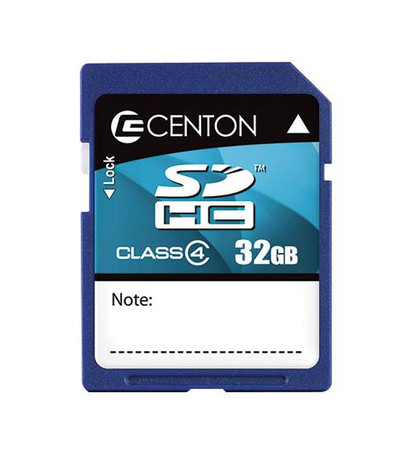
S1-SDHC4-32G - Centon Electronics 32GB Class 4 SDHC Memory Card
In stock
$57.99 (Inc. Sales Tax)$57.99 (Ex. Sales Tax) -

SDCFH-1024-901 - SanDisk 1GB CompactFlash CF Memory Card
In stock
$57.99 (Inc. Sales Tax)$57.99 (Ex. Sales Tax) -

SDSDQAB-004G - SanDisk 4GB Class 4 microSDHC Memory Card
In stock
$57.99 (Inc. Sales Tax)$57.99 (Ex. Sales Tax) -

S1-CF1000X-16G - Centon 16GB CompactFlash Card
In stock
$57.99 (Inc. Sales Tax)$57.99 (Ex. Sales Tax) -
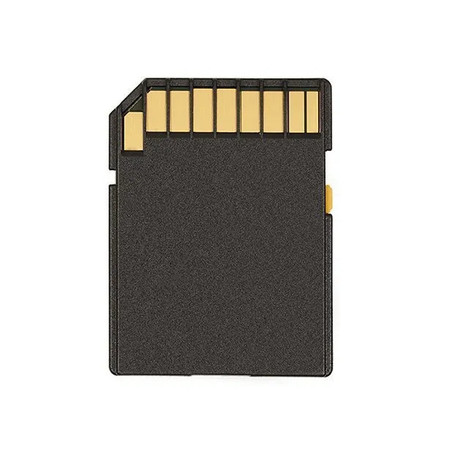
S0-MSDHC10-32G - Centon Electronics 32GB Class 10 microSD Memory Card
In stock
$57.99 (Inc. Sales Tax)$57.99 (Ex. Sales Tax) -
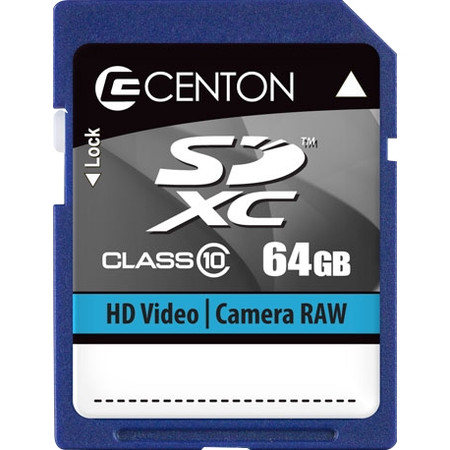
S1-MSDXC10-64G - Centon Electronics 64GB Class 10 microSDXC Memory Card
In stock
$57.99 (Inc. Sales Tax)$57.99 (Ex. Sales Tax) -

S1-CF500X-16G - Centon 16GB CompactFlash Card
In stock
$57.99 (Inc. Sales Tax)$57.99 (Ex. Sales Tax) -

S1-SDHC10-32G - Centon Electronics 32GB Class 10 SDHC Memory Card
In stock
$57.99 (Inc. Sales Tax)$57.99 (Ex. Sales Tax) -
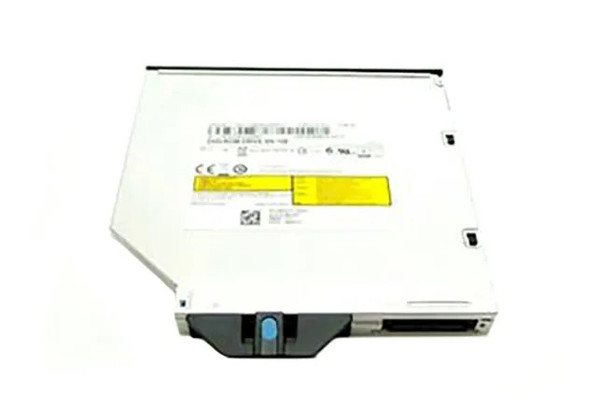
PMR79 - Dell Dual SD Card Reader
In stock
$36.99 (Inc. Sales Tax)$36.99 (Ex. Sales Tax) -
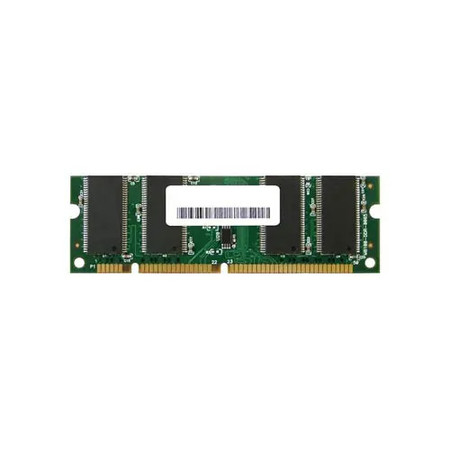
Q2449A - HP Flash Firmware Module for LaserJet 5100 Printer
In stock
$87.99 (Inc. Sales Tax)$87.99 (Ex. Sales Tax) -

Q2635-60003 - HP 32MB Compact Flash Firmware Memory
In stock
$77.99 (Inc. Sales Tax)$77.99 (Ex. Sales Tax) -

Q2635-60002 - HP 32MB Compact Flash Firmware Memory
In stock
$57.99 (Inc. Sales Tax)$57.99 (Ex. Sales Tax) -

Q2635-60001 - HP 32MB Compact Flash Firmware Memory
In stock
$57.99 (Inc. Sales Tax)$57.99 (Ex. Sales Tax) -

Q2635-67904 - HP 32MB Compact Flash Firmware Memory
In stock
$57.99 (Inc. Sales Tax)$57.99 (Ex. Sales Tax) -

Q2635-67901 - HP 32MB Compact Flash Firmware Memory
In stock
$57.99 (Inc. Sales Tax)$57.99 (Ex. Sales Tax) -

Q2635-67909 - HP 32MB Compact Flash Firmware Memory
In stock
$57.99 (Inc. Sales Tax)$57.99 (Ex. Sales Tax) -

Q2635-67905 - HP 32MB Compact Flash Firmware Memory
In stock
$57.99 (Inc. Sales Tax)$57.99 (Ex. Sales Tax) -

Q2635-67912 - HP 32MB Compact Flash Firmware Memory
In stock
$57.99 (Inc. Sales Tax)$57.99 (Ex. Sales Tax) -
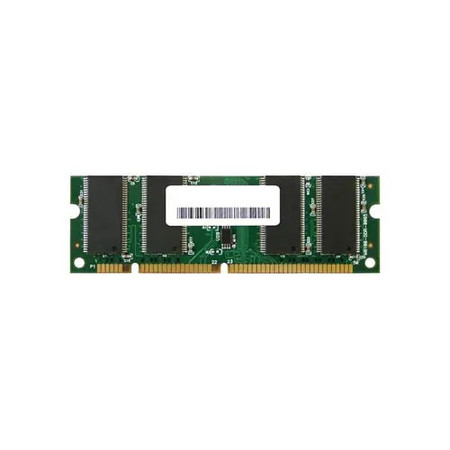
Q2635-67910 - HP 32MB Compact Flash Firmware Memory
In stock
$57.99 (Inc. Sales Tax)$57.99 (Ex. Sales Tax) -

Q2635-67917 - HP 32MB Compact Flash Firmware Memory
In stock
$57.99 (Inc. Sales Tax)$57.99 (Ex. Sales Tax) -
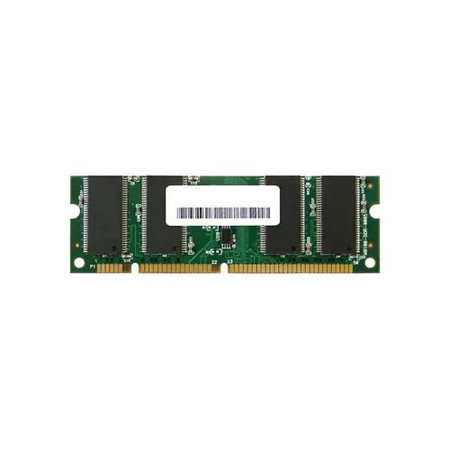
Q2635-67916 - HP 32MB Compact Flash Firmware Memory
In stock
$57.99 (Inc. Sales Tax)$57.99 (Ex. Sales Tax) -
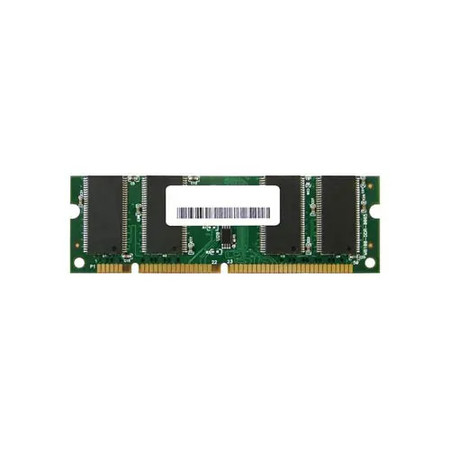
Q2635-67915 - HP 32MB Compact Flash Firmware Memory
In stock
$57.99 (Inc. Sales Tax)$57.99 (Ex. Sales Tax) -

Q2635-67919 - HP 32MB Compact Flash Firmware Memory
In stock
$57.99 (Inc. Sales Tax)$57.99 (Ex. Sales Tax) -

Q2635-67918 - HP 32MB Compact Flash Firmware Memory
In stock
$57.99 (Inc. Sales Tax)$57.99 (Ex. Sales Tax)
Flash Memory
Buying guideBuying guide
How Should Technicians Format Flash USB Memory for Large ISO Images?
Legacy FAT32 formatting blocks any single file above 4GB, preventing modern Windows Server, Linux, or hypervisor ISOs from copying cleanly. Format flash drives as exFAT for cross-platform Windows and macOS access, or NTFS for dedicated Windows recovery utilities.
Frequently asked questions
Should I choose USB-A or USB-C flash memory for mixed IT fleets?
Dual-connector USB-A / USB-C flash drives or USB-C drives paired with an adapter are ideal if your technicians service both legacy server/desktop USB-A ports and modern USB-C-only laptops.
How do I safely format flash USB memory for files larger than 4GB?
Default FAT32 formatting caps single files at 4GB (which blocks large Windows/ESXi ISO images). Format the drive as exFAT for cross-platform Windows/Mac compatibility or NTFS for Windows-only boot tools.
Does Nextronix Systems support bulk educational and government POs for flash memory?
Yes. Schools, universities, municipalities, and corporate IT teams can order bulk flash memory quantities using official Purchase Orders and Net terms.
Specialist support
Not sure which part you need?
Send the model or part number and a hardware specialist replies within one business day.