-

A59751075 - Dell 1GB PC2-6400 DDR2-800MHz 200-Pin SoDIMM Memory
In stock
$147.99 (Inc. Sales Tax)$147.99 (Ex. Sales Tax) -

A59747536 - Dell 1GB PC2-6400 DDR2-800MHz 200-Pin SoDimm Memory
In stock
$147.99 (Inc. Sales Tax)$147.99 (Ex. Sales Tax) -
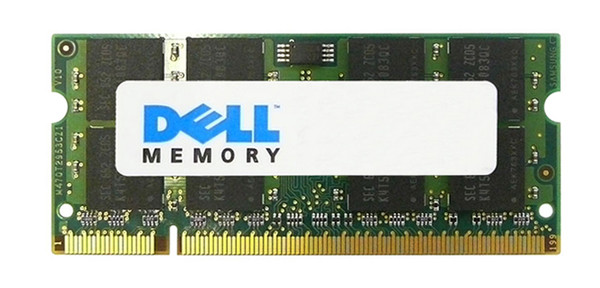
A59746140 - Dell 1GB PC2-6400 DDR2-800MHz 200-Pin SoDIMM Memory
In stock
$147.99 (Inc. Sales Tax)$147.99 (Ex. Sales Tax) -

A59744166 - Dell 1GB DDR2-800MHz 200-Pin SoDIMM Memory
In stock
$147.99 (Inc. Sales Tax)$147.99 (Ex. Sales Tax) -

A59761932 - Dell 1GB PC2-6400 DDR2-800MHz 200-Pin SoDIMM Memory
In stock
$147.99 (Inc. Sales Tax)$147.99 (Ex. Sales Tax) -

A59758971 - Dell 1GB DDR2-800MHz 200-Pin SoDimm Memory
In stock
$164.99 (Inc. Sales Tax)$164.99 (Ex. Sales Tax) -
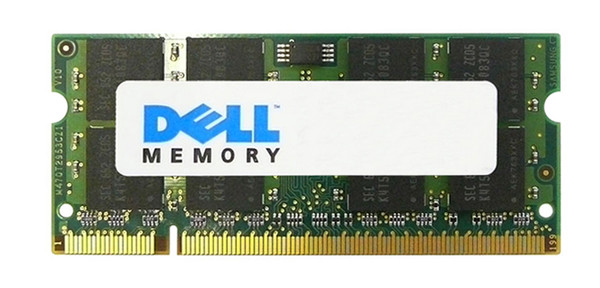
A59760945 - Dell 1GB PC2-6400 DDR2-800MHz 200-Pin SoDIMM Memory
In stock
$147.99 (Inc. Sales Tax)$147.99 (Ex. Sales Tax) -

A59755023 - Dell 1GB DDR2-800MHz 200-Pin SoDimm Memory
In stock
$164.99 (Inc. Sales Tax)$164.99 (Ex. Sales Tax) -
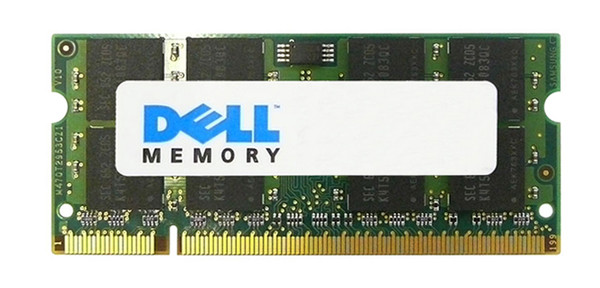
A59768841 - Dell 1GB PC2-6400 DDR2-800MHz 200-Pin SoDIMM Memory
In stock
$147.99 (Inc. Sales Tax)$147.99 (Ex. Sales Tax) -

A59765880 - Dell 1GB DDR2-800MHz 200-Pin SoDimm Memory
In stock
$147.99 (Inc. Sales Tax)$147.99 (Ex. Sales Tax) -

A59764893 - Dell 1GB DDR2-800MHz 200-Pin SoDimm Memory
In stock
$147.99 (Inc. Sales Tax)$147.99 (Ex. Sales Tax) -

A59763906 - Dell 1GB DDR2-800MHz 200-Pin SoDimm Memory
In stock
$147.99 (Inc. Sales Tax)$147.99 (Ex. Sales Tax) -

A59774044 - Dell 1GB DDR2-800MHz 200-Pin SoDIMM Memory
In stock
$147.99 (Inc. Sales Tax)$147.99 (Ex. Sales Tax) -

A59769626 - Dell 1GB DDR2-800MHz 200-Pin SoDIMM Memory
In stock
$147.99 (Inc. Sales Tax)$147.99 (Ex. Sales Tax) -

A59771802 - Dell 1GB DDR2-800MHz 200-Pin SoDimm Memory
In stock
$147.99 (Inc. Sales Tax)$147.99 (Ex. Sales Tax) -

A59781672 - Dell 1GB DDR2-800MHz 200-Pin SoDimm Memory
In stock
$147.99 (Inc. Sales Tax)$147.99 (Ex. Sales Tax) -

A59780685 - Dell 1GB DDR2-800MHz 200-Pin SoDimm Memory
In stock
$147.99 (Inc. Sales Tax)$147.99 (Ex. Sales Tax) -

A59779698 - Dell 1GB DDR2-800MHz 200-Pin SoDimm Memory
In stock
$147.99 (Inc. Sales Tax)$147.99 (Ex. Sales Tax) -

A59777724 - Dell 1GB DDR2-800MHz 200-Pin SoDIMM Memory
In stock
$147.99 (Inc. Sales Tax)$147.99 (Ex. Sales Tax) -

A59795490 - Dell 1GB DDR2-800MHz 200-Pin SoDIMM Memory
In stock
$147.99 (Inc. Sales Tax)$147.99 (Ex. Sales Tax) -

A59794503 - Dell 1GB PC2-6400 DDR2-800MHz 200-Pin SoDIMM
In stock
$147.99 (Inc. Sales Tax)$147.99 (Ex. Sales Tax) -
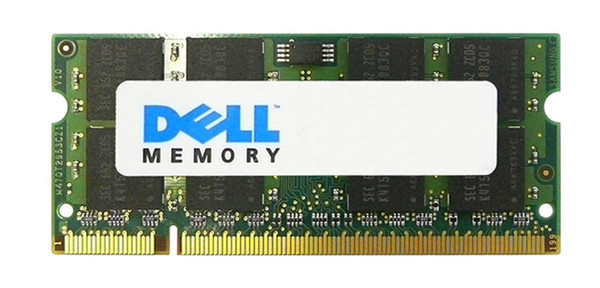
A59793516 - Dell 1GB PC2-6400 DDR2-800MHz 200-Pin SoDIMM Memory
In stock
$147.99 (Inc. Sales Tax)$147.99 (Ex. Sales Tax) -
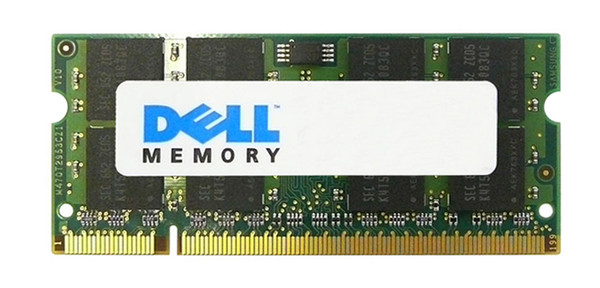
A59791716 - Dell 1GB PC2-6400 DDR2-800MHz 200-Pin SoDIMM Memory
In stock
$147.99 (Inc. Sales Tax)$147.99 (Ex. Sales Tax) -

A59809388 - Dell 1GB PC2-6400 DDR2-800MHz 200-Pin SoDIMM Memory
In stock
$147.99 (Inc. Sales Tax)$147.99 (Ex. Sales Tax)
Laptop Memory
Buying guideBuying guide
How to Verify Upgradeable SODIMM Slots vs. Soldered Laptop Memory
Before ordering notebook upgrades, confirm whether your chassis provides open 260-pin DDR4 or 262-pin DDR5 SODIMM sockets. Checking Task Manager memory slot telemetry or your laptop service manual prevents ordering modules for ultrabooks built exclusively with soldered LPDDR memory.
Can You Pair a 16GB SODIMM With an Existing 8GB Soldered Module?
Yes. In most business notebooks with one soldered bank and one expansion socket, adding a 16GB JEDEC SODIMM enables Flex Mode - running the matched 16GB portion at dual-channel bandwidth while addressing the remaining 8GB in single-channel mode.
Frequently asked questions
How do I check if my laptop has upgradeable SODIMM RAM slots or soldered memory?
Check your laptop service manual or Windows Task Manager > Performance > Memory ("Slots used: 1 of 2" indicates an open slot). Ultra-thin ultrabooks often solder LPDDR4X/LPDDR5 directly to the board, whereas business notebooks typically retain 1 or 2 SODIMM sockets.
Will a 3200MHz laptop RAM module work in a 2666MHz or 2933MHz notebook?
Yes. JEDEC-compliant DDR4-3200 SODIMMs (such as Crucial CT16G4SFRA32A) contain backward-compatible timing tables that automatically step down to 2933MHz, 2666MHz, or 2400MHz to match your CPU.
Can I add a 16GB stick alongside an existing 8GB soldered module?
Yes, in most business laptops this activates "Flex Mode," where the first 16GB (8GB + 8GB) runs in dual-channel speed and the remaining 8GB operates in single-channel mode.
Specialist support
Not sure which part you need?
Send the model or part number and a hardware specialist replies within one business day.