-
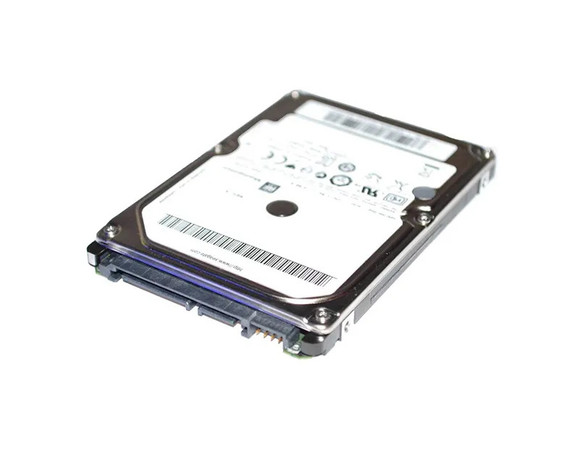
P1DFN - Dell 1TB 7200RPM SATA 6Gb/s 2.5" HDD
In stock
$254.99 (Inc. Sales Tax)$254.99 (Ex. Sales Tax) -

HDWJ105EZSTA - TOSHIBA 500GB 5400RPM SATA 8MB 2.5" HDD
In stock
$255.99 (Inc. Sales Tax)$255.99 (Ex. Sales Tax) -
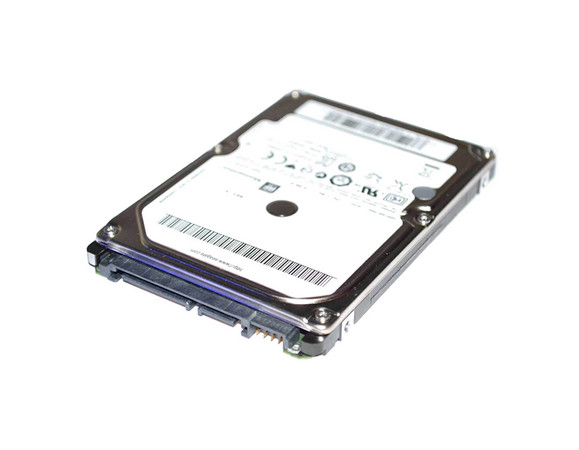
HDD2E31 - TOSHIBA 40GB 4200RPM IDE 2.5" HDD
In stock
$255.99 (Inc. Sales Tax)$255.99 (Ex. Sales Tax) -

HTS541220H9SA00 - Hitachi 20GB 5400RPM SATA 2.5" HDD
In stock
$255.99 (Inc. Sales Tax)$255.99 (Ex. Sales Tax) -
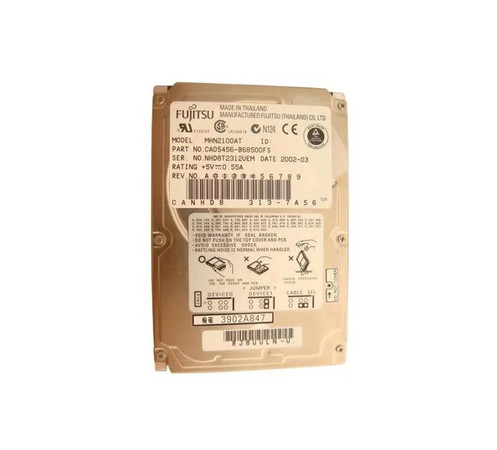
CA05456-B68500FS - Fujitsu 10GB 4200RPM 2.5" IDE 2MB HDD
In stock
$255.99 (Inc. Sales Tax)$255.99 (Ex. Sales Tax) -

484777-ABC - HP 200GB 5400RPM SATA 2.5" HDD
In stock
$255.99 (Inc. Sales Tax)$255.99 (Ex. Sales Tax) -
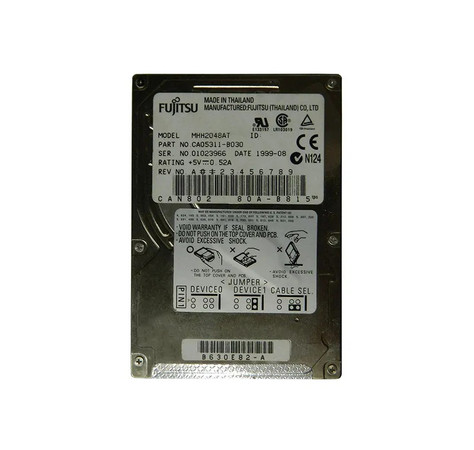
MHH2048AT - Fujitsu 4.8GB 4200RPM IDE 2.5" HDD
In stock
$255.99 (Inc. Sales Tax)$255.99 (Ex. Sales Tax) -

485034-001 - HP 120GB 5400RPM SATA 2.5" HDD
In stock
$256.99 (Inc. Sales Tax)$256.99 (Ex. Sales Tax) -

365937-001 - HP 80GB 5400RPM IDE ATA-100 2.5" HDD
In stock
$256.99 (Inc. Sales Tax)$256.99 (Ex. Sales Tax) -

HE-61237 - HP 6GB 4200RPM IDE Ultra ATA-66 2.5" HDD
In stock
$256.99 (Inc. Sales Tax)$256.99 (Ex. Sales Tax) -

F3414-69501 - HP 30GB 4200RPM ATA-100 1.8" HDD
In stock
$256.99 (Inc. Sales Tax)$256.99 (Ex. Sales Tax) -

HDD2914 - TOSHIBA 4GB 4200RPM IDE 2.5" HDD
In stock
$256.99 (Inc. Sales Tax)$256.99 (Ex. Sales Tax) -

HDD2D16 - TOSHIBA 120GB 5400RPM 2.5" IDE HDD
In stock
$256.99 (Inc. Sales Tax)$256.99 (Ex. Sales Tax) -

P4448-69001 - HP 40GB 5400RPM IDE Ultra ATA-100 2.5" HDD
In stock
$257.99 (Inc. Sales Tax)$257.99 (Ex. Sales Tax) -

534129-001 - HP 500GB 5400RPM SATA 2.5" HDD
In stock
$256.99 (Inc. Sales Tax)$256.99 (Ex. Sales Tax) -

512569-001 - HP 500GB 5400RPM SATA 2.5" HDD
In stock
$257.99 (Inc. Sales Tax)$257.99 (Ex. Sales Tax) -
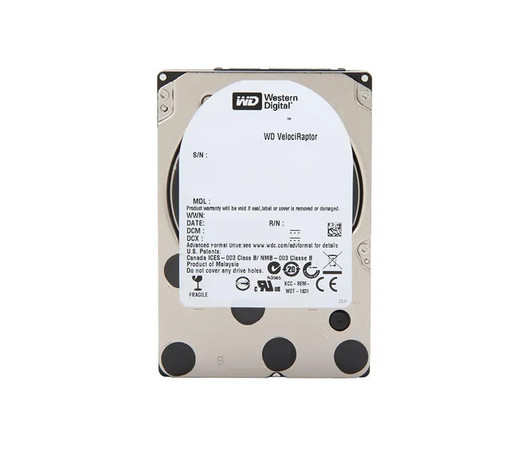
WD25000BHTZ - Western Digital 250GB 10000RPM SATA 6Gb/s 2.5" HDD
In stock
$257.99 (Inc. Sales Tax)$257.99 (Ex. Sales Tax) -

608766-001 - HP 250GB 7200RPM SATA 3Gb/s 2.5" HDD
In stock
$257.99 (Inc. Sales Tax)$257.99 (Ex. Sales Tax) -
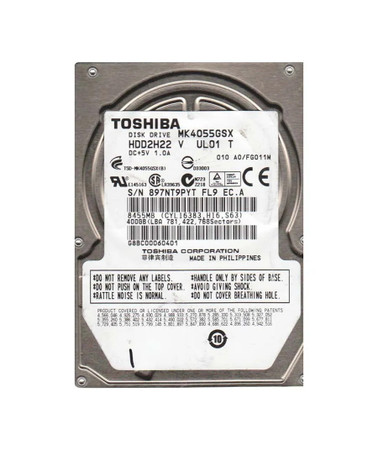
HDD2H22A - TOSHIBA 400GB 5400RPM SATA 8MB 2.5" HDD
In stock
$257.99 (Inc. Sales Tax)$257.99 (Ex. Sales Tax) -
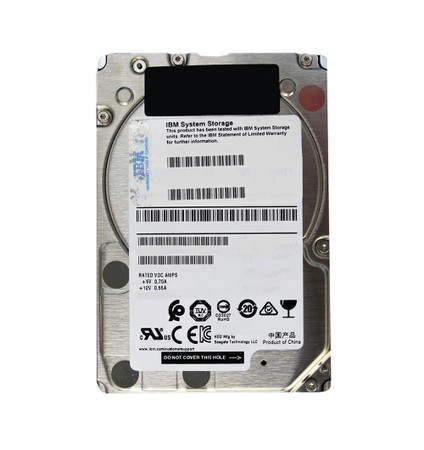
40Y8721 - IBM 100GB 5400RPM SATA 2.5" HDD
In stock
$257.99 (Inc. Sales Tax)$257.99 (Ex. Sales Tax) -

WD800BEVE-00A0HT0 - WD 80GB 5400RPM EIDE 2.5" HDD
In stock
$81.99 (Inc. Sales Tax)$81.99 (Ex. Sales Tax) -
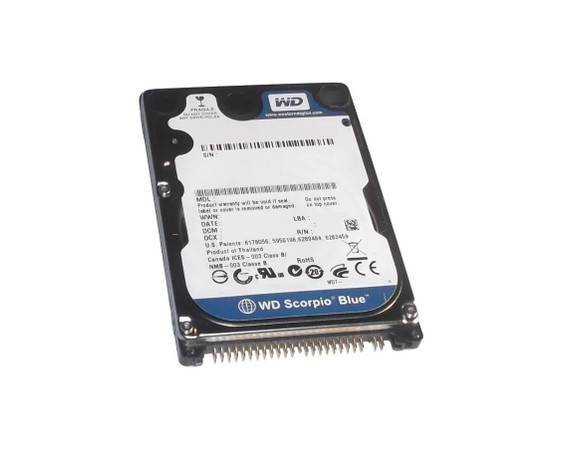
WD800BEVE-11UYT0 - Western Digital 80GB 5400RPM EIDE 8MB 2.5" HDD
In stock
$257.99 (Inc. Sales Tax)$257.99 (Ex. Sales Tax) -

P000480490 - TOSHIBA 80GB 5400RPM SATA 8MB 2.5" HDD
In stock
$257.99 (Inc. Sales Tax)$257.99 (Ex. Sales Tax) -

H000000600 - TOSHIBA 120GB SATA 5400RPM 2.5" HDD
In stock
$257.99 (Inc. Sales Tax)$257.99 (Ex. Sales Tax)
Internal Hard Drives
Replacing a failing bay or scaling on-premise storage requires careful attention to form factor, recording method, and annual workload rating. Nextronix Systems carries verified internal hard drives and internal hard disk units from Seagate, Western Digital, Dell, and HPE spanning desktop, laptop, 24/7 NVR surveillance, and enterprise SAS environments.
Buying guide
How to Match Internal Hard Drives to Your System Workload
Every environment imposes distinct mechanical stress. Standard PC internal hard drives suit intermittent office reads and cold archiving, whereas 24/7 NVR recorders require AllFrame surveillance disks like the WD Purple WD4NPURX rated for 180 TB/year continuous video streams without dropped frames.
Why CMR vs. SMR Recording Matters Before Buying an Internal Hard Disk
Conventional Magnetic Recording (CMR) writes tracks independently and sustains consistent random write speeds, making it mandatory for hardware RAID rebuilds and NAS pools. Shingled Magnetic Recording (SMR) overlaps tracks to lower cost per terabyte, making it best suited for sequential desktop backups and archival volumes.
Frequently asked questions
What is the difference between CMR and SMR internal hard drives?
CMR (Conventional Magnetic Recording) writes tracks side-by-side and delivers consistent random write performance, making it mandatory for RAID arrays, NAS systems, and heavy databases. SMR (Shingled Magnetic Recording) overlaps tracks to boost density at lower cost, making it ideal for cold archive and sequential desktop storage.
Can I use a surveillance internal hard disk like WD Purple inside a standard desktop PC?
Yes. Surveillance drives use standard SATA 6Gb/s connectors and work in any desktop PC, though their AllFrame firmware prioritizes uninterrupted 24/7 sequential video streams rather than aggressive desktop error-recovery retries.
How do I verify whether my system needs a 2.5-inch or 3.5-inch internal hard drive?
Standard desktop towers and LFF (Large Form Factor) servers use 3.5-inch drives, while laptops, mini-PCs, and SFF (Small Form Factor) servers require 2.5-inch drives. Note that 2.5-inch drives can also mount inside 3.5-inch bays using an adapter bracket.
Specialist support
Not sure which part you need?
Send the model or part number and a hardware specialist replies within one business day.